Export Resource Spread
In Plan view, you can export resource spread data that shows every resource and hours worked for every day of the entire selected schedule. After the resource spread data is exported from Schedule, it can be accessed via an API and then viewed in Power BI. For more information about exporting and viewing resource spread data, see Download and Transform Schedule Resource Spread Data in Power BI.
To export the data from the Project List page, select a schedule and then click the Generate resource spread export icon.
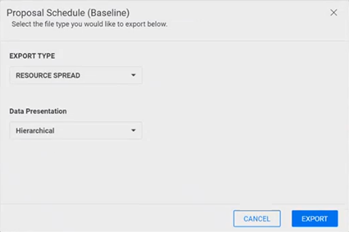
To export the data from the schedule page, click the Export icon. In the Export Type drop-down list, select Resource Spread and in the Date Presentation drop-down list, select Hierarchical.